 RingLight
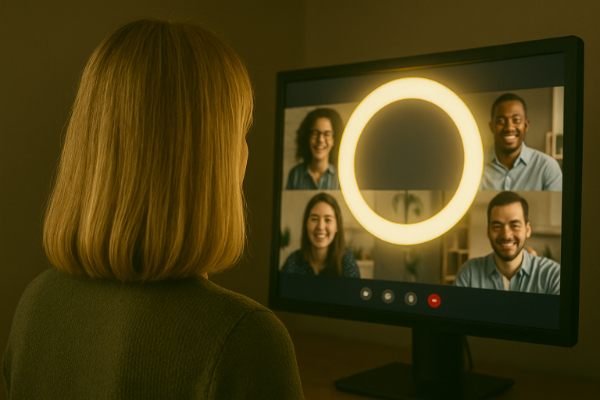
Look great on calls
Add warmth to your face while you talk with family, friends and coworkers.
For Windows 10 and 11
RingLight adds a soft, adjustable glow to your screen, so you look brighter and warmer on every video call. No stand, no cables, no clutter on your desk.
The full app free for 7 days, then $1.99 once. No subscription.
How it works
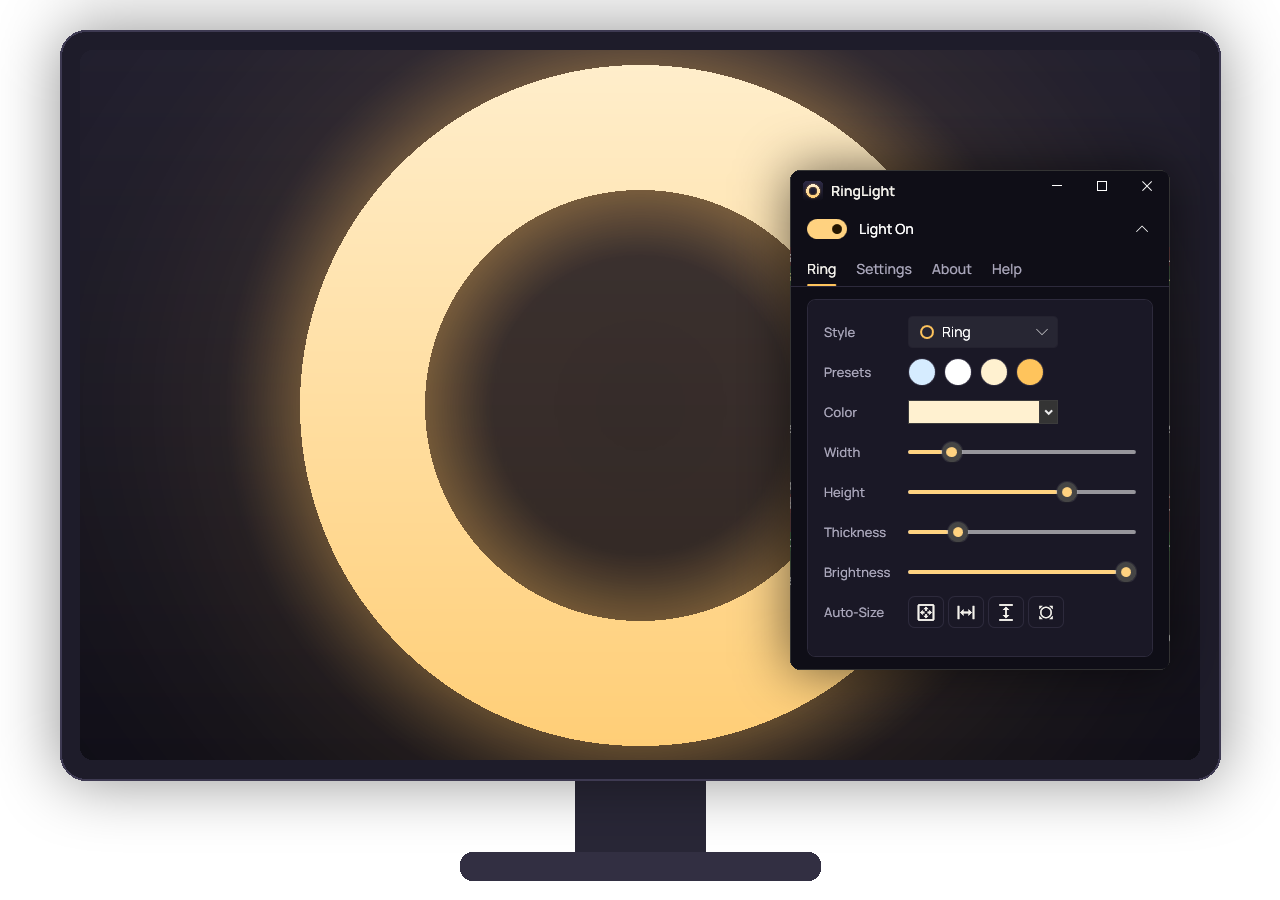
Start RingLight and a soft ring of light appears on your screen, ready to go.
Drag it to any monitor and resize it, or let one click fit it to your screen.
Pick a color, then set the thickness and brightness until the light feels right.
When it helps
Add warmth to your face while you talk with family, friends and coworkers.
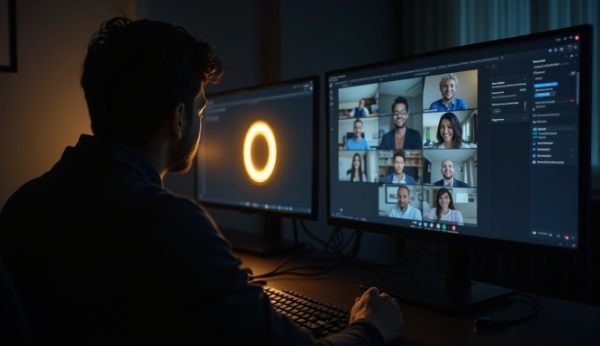
RingLight does its best work in low light, with Windows dark mode on.
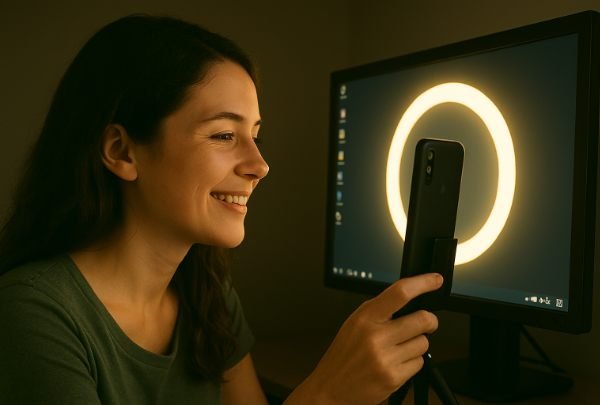
Sit close to the screen for a gentle fill light on photos and short videos.
Features
Use a classic ring, or a rectangle that frames your whole screen.
Choose from four presets or mix your own, and save your favorites as presets.
Set the width, height, thickness and brightness with simple sliders.
Drag it to any screen. One click fits it to the screen, its width or its height.
Clicks pass through the middle of the ring, so your apps keep working behind it.
No account, no ads and no tracking. It doesn't use your camera or look at your screen.
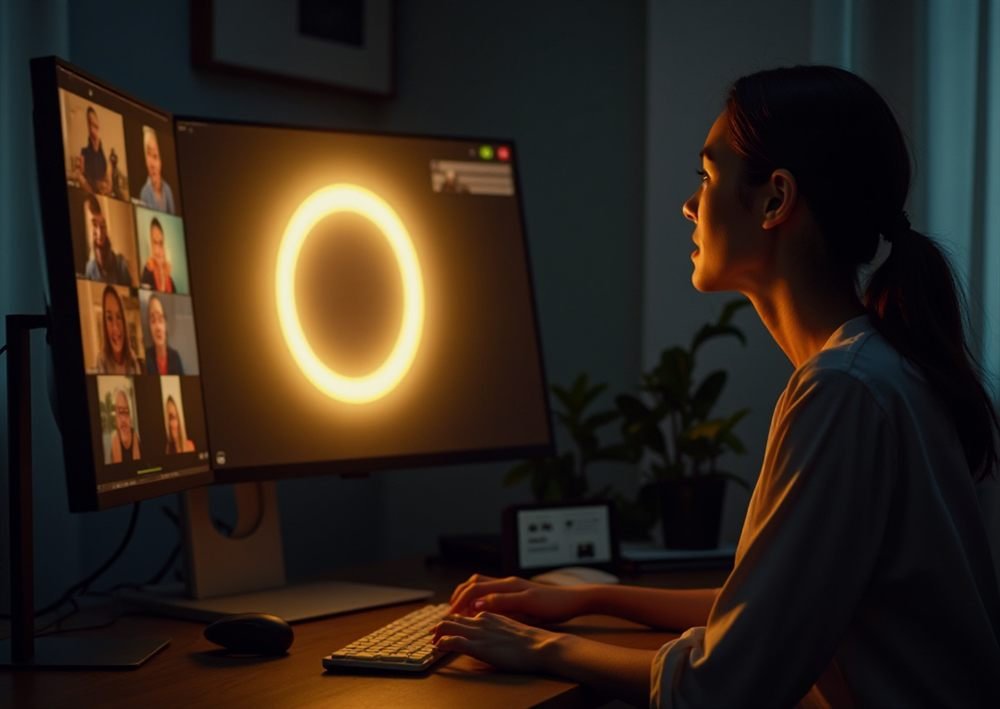
On a call
Got two monitors? Fill one with light and keep your meeting on the other. RingLight works alongside any video call app.
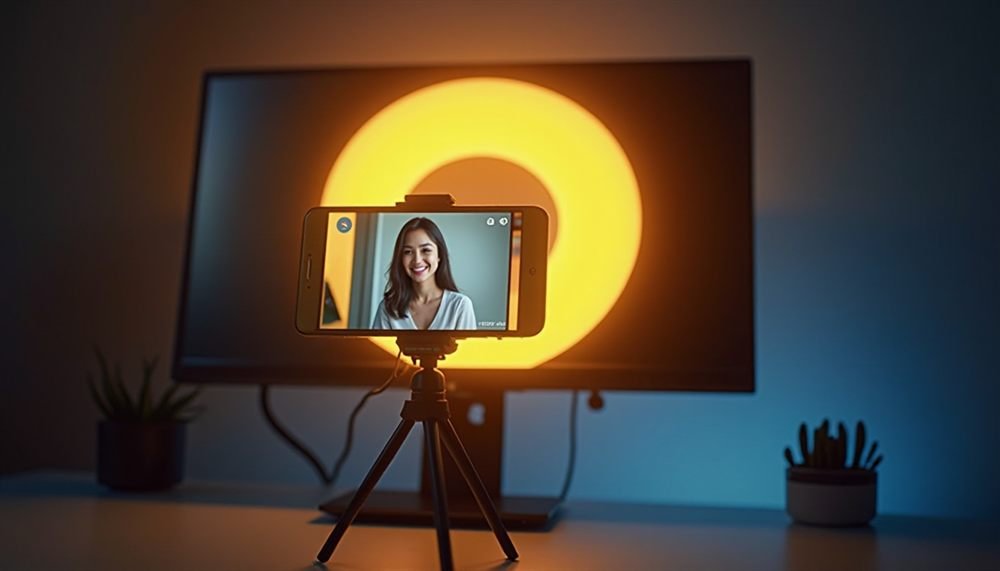
On camera
Set your phone or camera up in front of the monitor and shoot straight through the ring.
Pricing
No subscription. Try the full app free for 7 days first.
FAQ
Yes, within limits. A screen is gentler than a dedicated light, so the room, your screen's size and brightness, and how close you sit all make a difference. In a brightly lit room you may not notice much, and a physical ring light may suit you better. See our ring light buying tips.
Any 64-bit PC running Windows 10 or Windows 11.
Yes. RingLight doesn't connect to your video app at all. It simply lights up part of your screen, so it works alongside anything.
Your product key appears on the page as soon as you've paid, and is emailed to you. It unlocks the same download as the free trial. If you don't receive it, please contact us right away.
All sales are final. The 7-day trial is free and includes every feature, so please make sure RingLight works for you before you buy. If something goes wrong with your key, we'll put it right. See the refund policy.
Yes, but a product key unlocks one PC at a time. Enter it on another PC and RingLight moves there, and the PC it left goes back to the trial.